
If you’re a smart device advocate, then you’ll be excited to hear that the Smart Oil Gauge is compatible with Amazon Alexa! The Amazon family of systems is a set of devices that allows for smart home integration! We have an Alexa skill that’ll allow the Smart Oil Gauge to connect with your Amazon account, allowing the two to communicate. Once you’ve eventually connected the two, you’ll be able to ask Alexa a variety of questions regarding your Smart Oil Gauge. But what exactly do you have to do? In this blog, I’ll give you instructions on what to do!
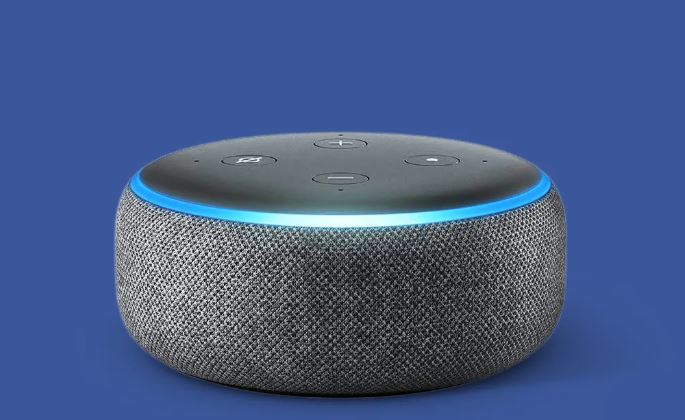
Linking Alexa to Smart Oil Gauge
The process to link your Amazon account to your Smart Oil Gauge account is very simple and easy to do. However, you must first enable the Smart Oil Gauge skill in the Alexa app. There are two ways you can do it.
The first way is to simply ask Alexa! You can say to Alexa, “Alexa, enable the Smart Oil Gauge Skill,” and she should be able to enable the skill for you on your Amazon home device.
The second way you can do it is by going to the app, searching for the skill, and enabling it! The following steps will give you brief instructions on what to do:
- Open the Alexa App on your phone
- Click on the three lines at the bottom
- Select Skills and Games
- Search for ‘Smart Oil Gauge‘ and download it
- Log into your Smart Oil Gauge Account
After you’ve downloaded the skill, go ahead and log in to your account. Once you’ve done that, the Smart Oil Gauge will be able to communicate with Alexa! You can now start asking her all kinds of questions!
What Can you Ask Alexa?
To make sure that Alexa is properly communicating with the Smart Oil Gauge, you’ll want to say a specific command. Start by saying “Alexa, talk to Smart Oil Gauge”! This will trigger the Smart Oil Gauge skill to communicate. From here, you’ll be able to ask a variety of different questions!
Here are some questions that you can ask Alexa:
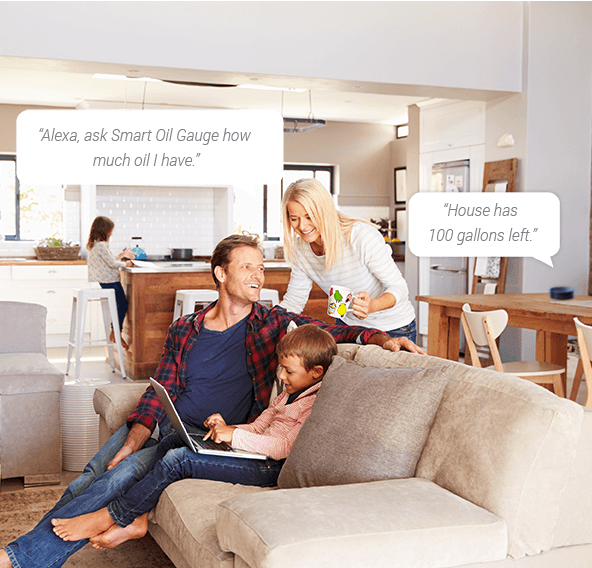
“Alexa, how much oil is in my tank?”
“When do I need to order oil?”
“How many days do I have until I run out of oil?”
Asking Alexa these questions will give you an idea of how much oil you’ll need to order and when! Having Alexa connected to the Smart Oil Gauge app is a great way to know how much oil you need! You won’t even have to open up the app! Just be sure to ask her regularly!
Google Home Compatibility
If you have a Google Home device instead of an Amazon Alexa, then you might be wondering about home compatibility. The Smart Oil Gauge did have Google Home compatibility at one point. However, in May of 2023, Google decided to discontinue conversational-based actions on its Google Home devices. This rendered the Smart Oil Gauge incompatible with Google Home Devices.
Utilizing Smart Oil Gauge with Alexa
Combining the Smart Oil Gauge and Alexa is a great way to be in control of your oil usage and level! Being able to ask Alexa how much oil you have without needing to open up the app is incredibly useful! You won’t even have to walk down to the basement either!
With the added benefit of our FuelSnap integration, you’ll be able to quickly and effectively be able to order oil when you need it! You’ll be able to get the best prices available to you at the press of a button on your phone!
Happy Heating!
Hunter